Home > Blogs > Microsoft Copilot > Microsoft Copilot for Business: Boost Productivity with AI
Director Technology
AI/ML
June 16, 2025
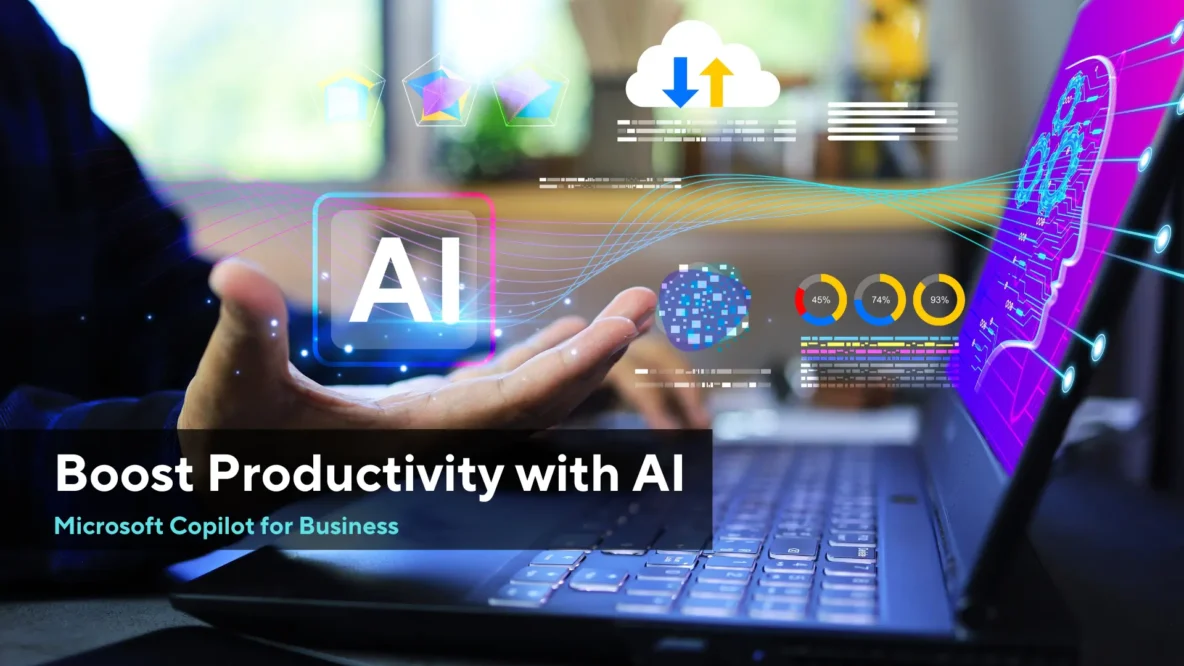
Due to digital growth in the current era, companies are always looking for new ways to make things smoother and simpler. Microsoft Copilot for Business is an AI tool made to make workplaces more productive. Teams are able to achieve more, automate tasks and come up with fresh ideas because Copilot uses advanced AI with Microsoft 365.
We help companies at Royal Cyber use advanced AI tools such as Microsoft Copilot for Business to increase their efficiency and achieve better results. In this blog, we’ll see how this technology can change your day-to-day activities, its major advantages and why your company should introduce it immediately.
What is Microsoft Copilot and How Does it Relate to Businesses?
Microsoft Copilot can be found inside Microsoft 365 apps like Word, Excel, PowerPoint, Outlook and Teams. Thanks to OpenAI’s GPT-4 technology, Copilot helps users to draft documents, review information, build presentations, handle emails and cooperate easily.
Unlike other ways to automate your work, Copilot goes beyond commands to recognize needs, recommend improvements and help you decide with its insights.
Key Features of Microsoft Copilot for Business
Microsoft Copilot streamlines work on Microsoft 365 applications by using the assistance of AI-driven suggestions. It minimizes redundant tasks, creates content and gives data insights in real-time. The following are some of the main uses of Microsoft Copilot for business:
1. The Use of AI in Creating and Editing Material
- Make clear drafts, reports and proposals in Microsoft Word using easy instructions.
- Change the tone, make summaries and focus on grammar when updating the content.
2. Smart Data Analysis in Excel
- Carry out detailed data computations and pull insights with simple requests made in regular language.
- Don’t spend time manually making visualizations and pivot tables; Excel can do it for you instead.
3. Creating Presentations with PowerPoint is Really Simple.
- With AI help, convert your notes into professional slides and notes for speaking.
- Change long pieces of writing into brief, easy-to-understand presentation-suitable content.
4. Better Organization of Email Using Outlook
- You can quickly write professional emails using helpful suggestions in the text.
- Rank urgent tasks and let the system automatically remind people about them.
5. Collaboration in Microsoft Teams
- As a meeting takes place, note down the main details, tasks that need completing and important resolutions.
- Make new tasks and integrate them using Microsoft Planner.
How Microsoft Copilot for Business Makes Work Life Easier
Copilot simplifies the work and automates tasks by minimizing time spent with manual work and by spreading the organization workers with faster decision-making. It assists users in the writing of mails, in data analysis, as well as in summarizing on meetings with minimal clues. Let us look at how Microsoft Copilot for Business makes the work life easier:
1. Reduces Time Spent on Repetitive Tasks
Thanks to Microsoft Copilot for Business, employees can concentrate their efforts on important strategic jobs by letting the tool handle basic routine operations.
2. Gives Better Insight for Decision Making Powered by AI.
Copilot tracks trends in the business’s data, advises on what to optimize and offers recommendations in real time to help make smarter decisions without delay.
3. Improves Collaboration & Communication
Using AI and team collaboration tools, everyone can keep working well and remain united, no matter where they are based.
4. Ensures Consistency & Professionalism
Using standard messages and uniform layouts in reports, Copilot guarantees that brand rules are followed everywhere.
5. Scales with Your Business Needs
This tool works well for any business because it can adjust to your work requirements and scale as needed.
Why Choose Royal Cyber for Microsoft Copilot Solutions?
At Royal Cyber, we understand that companies must be taught how to use AI for best results. Our team members who are Microsoft certified help ensure that Microsoft Copilot for Business is implemented smoothly and fits your organization’s requirements well.
What We Offer Includes:
✅ Bring AI into Microsoft 365 by integrating it directly into what you currently use.
✅ Maximize your team’s efficiency by giving them training sessions on how to use the system.
✅ Regular Checks & Tuning – Keeping an eye on the system to achieve the highest performance.
Access our Microsoft Copilot Solutions to experience AI to its highest level in your work environment
Real-World Use Cases of Microsoft Copilot for Business
Copilot is revolutionizing how organizations operate. Companies are using it to improve their efficiency and minimize business overheads.
1. Marketing Teams
- Make campaign briefs, social media material and performance reports in no time at all.
- Check data on customers to adjust target options for your online advertisements.
2. Sales Professionals
- Automate the processes of creating proposals and contracts.
- Gather data from the CRM to recognize the best potential leads.
3. HR and Recruitment
- It is easy to design job descriptions, prepare interview questions and develop onboarding tools using Jobber.
- Look at what employees say to enhance your company policies.
4. Finance and Operations
- Make it easier to prepare financial reports and budget forecasts using automation.
- Making audits with AI support saves time when preparing compliance documentation.
Future impacts of AI and Microsoft Copilot in business.
With the development of AI, Microsoft Copilot for Business will blend into more parts of business processes, providing:
✔ With Predictive Analytics – Look ahead and predict upcoming trends in business.
✔ Use AI recommendations to personalize your dealings with each customer.
✔ Ask commands to Copilot by speaking for an easier way to use it.
Any business adopting Microsoft Copilot for Business right now will be ahead of the competition in an AI-powered world.
Final Remarks
Making productivity, teamwork and new ideas happen is the main strength of the Microsoft Copilot for Business. Automating routine work, improving decision-making and helping teams coordinate better, Copilot makes it easier and faster for businesses to succeed.
Are you prepared to use the benefits of AI? Partnering with Royal Cyber, you can get Microsoft Copilot Solutions that meet your business’s particular needs.
Author
Tarun Singh
Agentforce and Microsoft Copilot Studio are the two dominant enterprise…
Read More »Websites used to be something you built once and basically…
Read More »